
Khan Academy Kids Alternatives for Elementary Children Sept 2026
Most free educational apps are built around the same idea: present a question, reward a right answer, repeat. Khan Academy Kids follows that model, and for a 4-year-old learning letter sounds, it works well. But if your child needs more than that, say a real lesson on phonics blends or carrying numbers in addition, you'll want something with a little more going on under the hood.
TLDR:
- Khan Academy Kids tops out around second grade and has no real-time spoken feedback or classroom tools.
- Every alternative here except Super Teacher is built for practice, not for teaching a new skill from scratch.
- ABCmouse ($14.99/month) suits younger children who want varied activities; Prodigy and IXL fit students who already grasp the material.
- Super Teacher is a voice-powered, one-on-one tutoring app for ages 3 to 10 that listens to spoken answers, adapts mid-lesson, and runs about $100 a year for every child in the household.
What Khan Academy Kids Is and How It Works
Khan Academy Kids is a free educational app for children ages 2 to 8, covering early reading, language arts, math, and social-emotional skills through videos, interactive activities, books, and songs. It runs on Apple, Google Play, and Amazon devices.
When a child opens the app, an animated character named Kodi walks them through a personalized sequence of activities, mixing short videos with tap-based games and digital books. Activities adjust based on age and where a child is in the learning path, so children can move at their own pace.
Content is organized around early childhood standards, touching on letter recognition, phonics basics, counting, shapes, and simple addition. The app also weaves in social-emotional learning, which sets it apart from purely academic tools. Parents can track progress through a built-in dashboard.
Because it's completely free, Khan Academy Kids gets used heavily in both homes and pre-K and kindergarten classrooms. The trade-off is that the experience skews toward short, game-like activities over longer, structured lessons, and the age range tops out around second grade.
Why Consider Khan Academy Kids Alternatives?
Khan Academy Kids earns its reputation. It's free, well-designed, and covers a wide range of early childhood skills without requiring a subscription or account setup. For a parent looking for a no-cost way to keep a 4-year-old busy with something educational, it genuinely delivers.
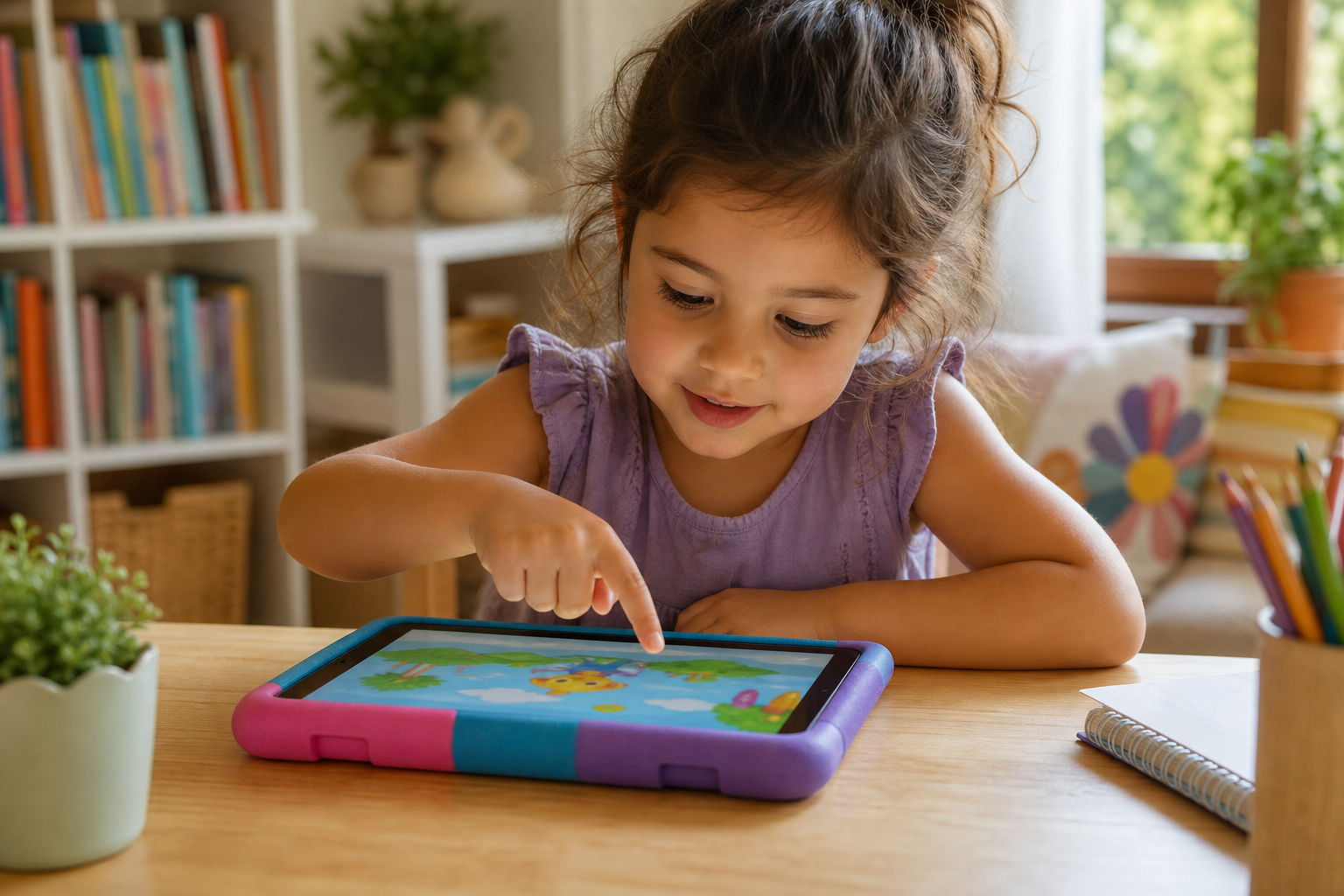
The limitations show up when families want something more structured. The app's core interaction model is tapping and watching. Children move through activities, but the app rarely asks them to produce a spoken answer, work through a concept step by step, or get corrected in real time based on what they said. That's a meaningful gap if your goal is actual skill-building and not mere exposure.
There's also the question of what you want the app to do. Khan Academy Kids is built for ages 2 to 8 and works best as practice for skills a child is already picking up. When your child is ready to learn something new, like reading full sentences for the first time, the app offers little direct instruction to get them there. Families who want a child learning new skills through second grade and beyond will want a tool built to teach, beyond reinforcing what they know.
For schools, the infrastructure is limited. There's no lesson-level reporting for teachers, no way to assign specific content to specific students, and no classroom management tools to speak of. It works fine as a free supplement, but it's not built to function as a structured instructional tool.
Where it falls shortest is in the one-on-one instructional experience. A child behind in reading who needs real corrective feedback, spoken back and forth with a tutor, and scaffolding that adjusts mid-lesson based on their answers won't find that here. That's the gap most alternatives in this list are built to fill.
Best Khan Academy Kids Alternatives in October 2026
Each alternative below covers a distinct tool, listed roughly in order of how closely it mirrors one-on-one tutoring, from pure instruction down to practice and game play.

Super Teacher (Best Overall Alternative)
Super Teacher is a voice-powered, one-on-one tutoring app for children ages 3 to 10, covering reading, math, science, art, and more. It speaks directly to each child, listens to spoken answers via voice transcription, and adapts the lesson in real time. Every lesson is crafted and vetted by former elementary school teachers on staff, and no response is ever generated on the fly.
Best for families with children ages 3 to 10 who want real one-on-one tutoring at home, and schools seeking daily reading and math support without the cost or scheduling of a private tutor.
- Conversational tutoring: the child answers out loud, gets immediate corrective feedback, and the lesson adapts within the session
- Full "I do, we do, you do" instructional model grounded in science, so Super Teacher can teach a brand-new skill from scratch, going beyond reinforcing familiar ones
- Phonics-based reading instruction (Science of Reading aligned) from letter sounds through fluency, and math from number sense through fractions
- Safe and compliant for schools and homes: COPPA and FERPA compliant, camera never activates, voice data deleted promptly after transcription, and all content pre-scripted and approved by teachers before it reaches a child
Every question goes to the individual child, the app listens, and what comes next depends on how they answered. For families and schools that want a child to learn a new skill instead of tapping through familiar activities, Super Teacher is the clearest choice here.
ABCmouse
ABCmouse by Age of Learning is a broad activity library for children ages 2 to 8, covering reading, math, science, art, and music. It runs on a gamified model, with rewards like virtual pets to motivate continued use, and includes a parent progress dashboard. It's priced at $14.99/month.
Best for families of younger children who want enough variety to hold a 3- or 4-year-old's attention across subjects, though that variety comes without the corrective feedback that helps a child work through a wrong answer.
The trade-off is that ABCmouse flags wrong answers but doesn't walk a child through why or how to correct them. The rewards system can also let children drift toward pure game play over learning activities. That makes it solid for reinforcing concepts a child already understands, but not the right fit for teaching something new from scratch.
Prodigy
Prodigy wraps math and English practice in an adventure game for grades 1 through 8. The core experience is free for classrooms, and the platform is trusted by 800,000 teachers worldwide.
Best for students in grades 1 through 5 who respond well to game-based motivation and already understand the material, since the game wrapper does not include direct instruction.
Prodigy presents questions within a game wrapper but doesn't deliver direct instruction. A child who doesn't understand a concept won't learn it from Prodigy, making it a good motivating supplement for children who already grasp the material, not a tool for introducing something new.
IXL Learning
IXL offers adaptive skill-drill practice across math, ELA, science, and social studies from Pre-K through grade 12.
Best for families and schools wanting precise, data-rich tracking of mastered versus unmastered skills, particularly for older elementary students who can read well enough to work through text-based feedback on their own.
IXL is built for practice, not instruction. Wrong-answer feedback is text-based, which places a reading burden on younger learners still building literacy. It's a strong tool for tracking and drilling known skills, but not the right fit for introducing a concept the first time.
Feature Comparison: Khan Academy Kids vs. Top Alternatives
Feature | Khan Academy Kids | Super Teacher | ABCmouse | Prodigy | IXL Learning |
|---|---|---|---|---|---|
Learning modality | Videos and tap-based activities | Conversational, voice-powered tutoring | Games, activities, videos | Game-based practice | Text-based adaptive drill |
Teaches new skills directly | No | Yes | No | No | No |
Real-time spoken feedback | No | Yes | No | No | No |
Phonics-based reading instruction | Limited | Yes (Science of Reading aligned) | Limited | No | Practice only |
Age range | Pre-K to Grade 2 | Ages 3 to 10 (Pre-K to Grade 5) | Ages 2 to 8 | Grades 1 to 8 | Pre-K to Grade 12 |
School and classroom tools | No | Yes | No | Yes | Yes |
Voice input from child | No | Yes | No | No | No |
Lesson content vetted by real teachers | No | Yes | No | No | No |
Pricing (home) | Free | $20/month or $100/year (every child in the household) | $14.99/month | Free (paid membership available) | Subscription required |
The row that matters most for most families is "Teaches new skills directly." Every free or low-cost option in this list is built around practice, not instruction. They present questions, award points, and track progress, but they assume a child already understands the concept. Parents weighing their options can find a deeper breakdown in a tutoring apps guide for kids. Super Teacher is the only one here that walks a child through something brand new, step by step, and adjusts based on what the child actually says out loud.
Why Super Teacher Is the Best Khan Academy Kids Alternative
Khan Academy Kids is a well-built free app that does exactly what it was designed to do. For a parent who wants a broad library of educational activities for a young child, it's a reliable, zero-cost starting point. The gap appears when a child needs to actually learn something new. Videos and tap-based games can expose a child to a concept, but they can't catch a wrong answer mid-lesson, offer real-time scaffolding based on what the child just said, or redirect a confused child the way a tutor would. That's a category difference, not a criticism.
Super Teacher operates in a different category entirely: it is a conversational, voice-powered tutoring app that speaks directly to each child, waits for a spoken answer, and responds to what the child actually said (you can see how Super Teacher works in detail). That distinction shows up immediately in practice. A child who stalls on a word gets walked through it sound by sound. A child who answers correctly gets pushed to something harder. The lesson bends around the child's actual responses, not a fixed sequence of taps and videos. Families can trust that experience because every lesson is reviewed and approved by real teachers before it reaches a child, so the app never generates unvetted material mid-session. The camera never turns on, and voice data is deleted promptly after transcription. For families who want their child to have a genuine one-on-one tutoring session each day, Super Teacher is the option in this list that actually delivers that. The FAQ below covers common questions about how it compares and whether it's the right fit.
Final Thoughts on Choosing a Khan Academy Kids Alternative
The right choice depends on what your child needs next. If they need more practice on familiar skills, most of the free options here will do the job. If they need to actually learn something new, that's a different ask, and Super Teacher is the only one on this list built to answer it.
FAQ
Why do families look for Khan Academy Kids alternatives?
Khan Academy Kids works well as a free starting point for young children, but its core interaction model is tapping and watching, not speaking and being corrected. That suits practice on skills a child is already building. Families look elsewhere when they want their child to learn something new, like a phonics pattern or a math concept they haven't seen before, with a tutor walking them through it step by step.
What should you look for in a Khan Academy Kids replacement?
The most telling question is whether the app can teach a brand-new concept or only drill one the child already knows. Look for real-time corrective feedback based on what the child actually said, a structured progression through phonics and math, and a clear age range that carries the child through second grade and beyond.
When does switching from Khan Academy Kids to Super Teacher make sense?
The switch makes sense when you want your child to learn something they don't know yet, like blending sounds into their first words or carrying numbers in addition, instead of practicing skills they already have. Khan Academy Kids works well for reinforcing familiar concepts. Super Teacher is built to teach new skills from scratch: it demonstrates the skill, works through it with your child, then has them try it on their own, adjusting mid-lesson based on their spoken answers. It covers ages 3 to 10 with a full phonics-based reading progression and math through fractions.
How does Super Teacher differ from Khan Academy Kids in the way children interact with it?
Khan Academy Kids asks children to tap through activities and watch short videos. Super Teacher speaks directly to each child, waits for a spoken answer, transcribes what the child said, and responds based on that answer, offering more scaffolding if the child is struggling or harder material if they are ready. The child is producing answers out loud, not selecting them on screen.
Is Super Teacher safe and appropriate for young children in schools?
Super Teacher is COPPA and FERPA compliant. The camera never activates, voice data is deleted promptly after transcription, and every lesson is vetted and approved by former elementary school teachers on staff before it reaches a child, so the app never generates unvetted responses during a session.